
 正版购买
正版购买
游戏介绍
你是凯尔·克兰,遭受了多年的实验,被改造成了半人半野兽的怪物。在开放世界和动作生存恐怖相结合的独特游戏体验里,追杀把你变成这个样子的罪魁祸首。
如何联机
如何启动:
1. 启动 Steam 并登录您的 Steam 账号。
2. 通过 ph_ftworkbinx64DyingLightGame_TheBeast_x64_rwdi.exe 启动游戏。
3. 在打开的浏览器窗口中登录您的 Epic Games Store 账号。
游戏内:
完成新手教程。
连接:
接受好友的邀请。
创建服务器:
战役 → 选择一个存档 → 邀请好友并等待他们连接。
版本介绍
v1.6.0c联机版|容量79.4GB|官方简体中文|支持键盘.鼠标.手柄

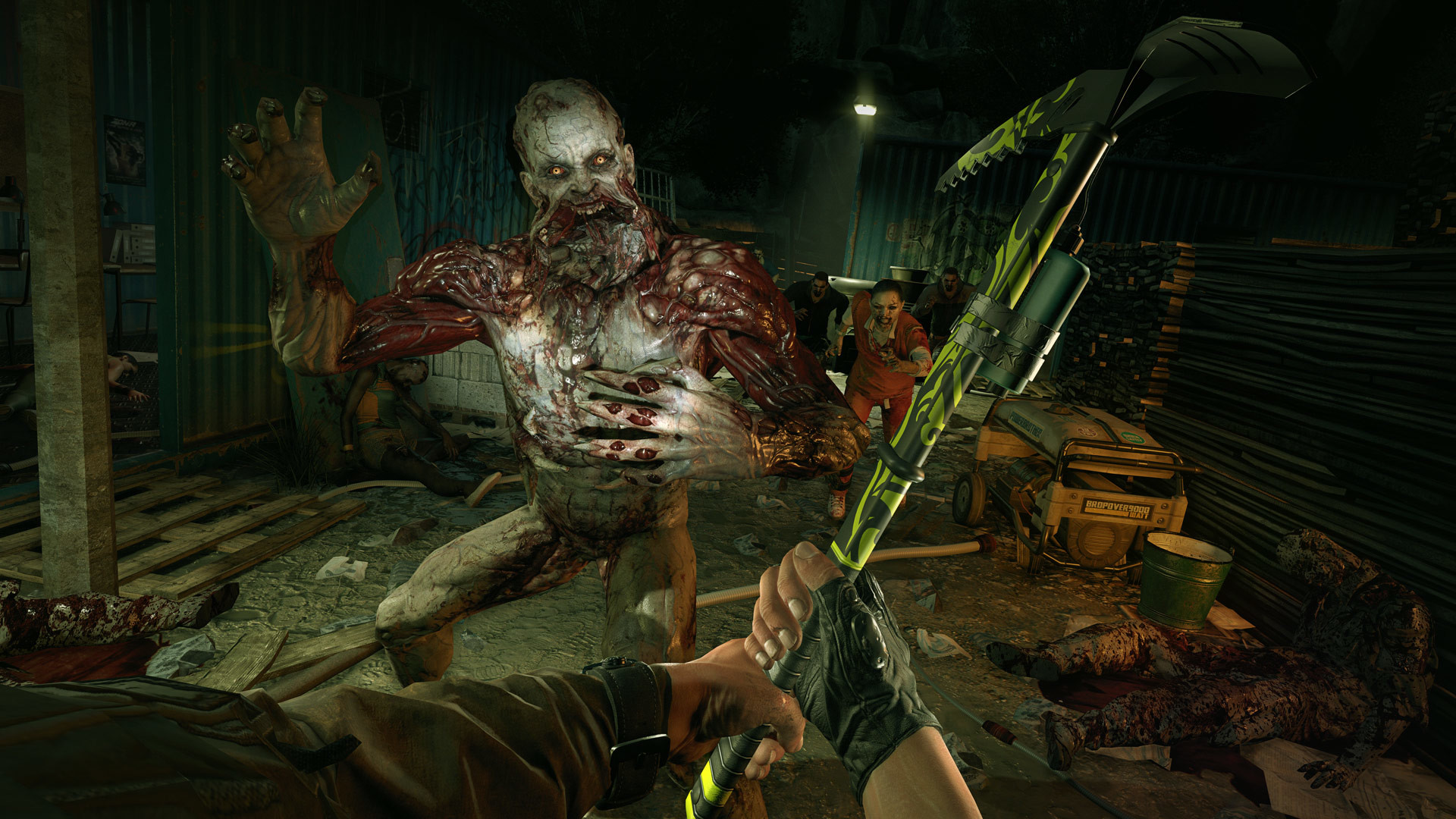
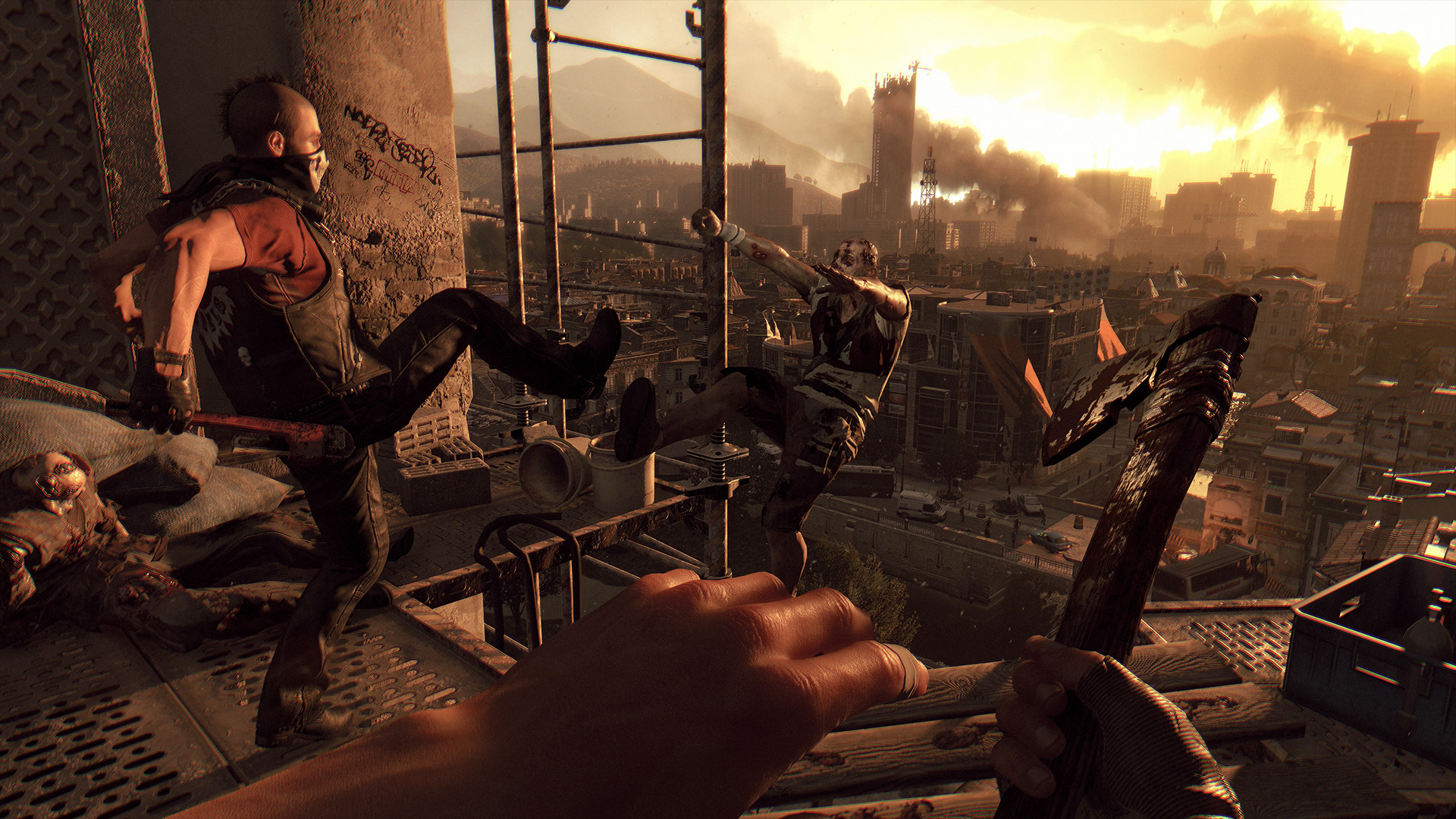
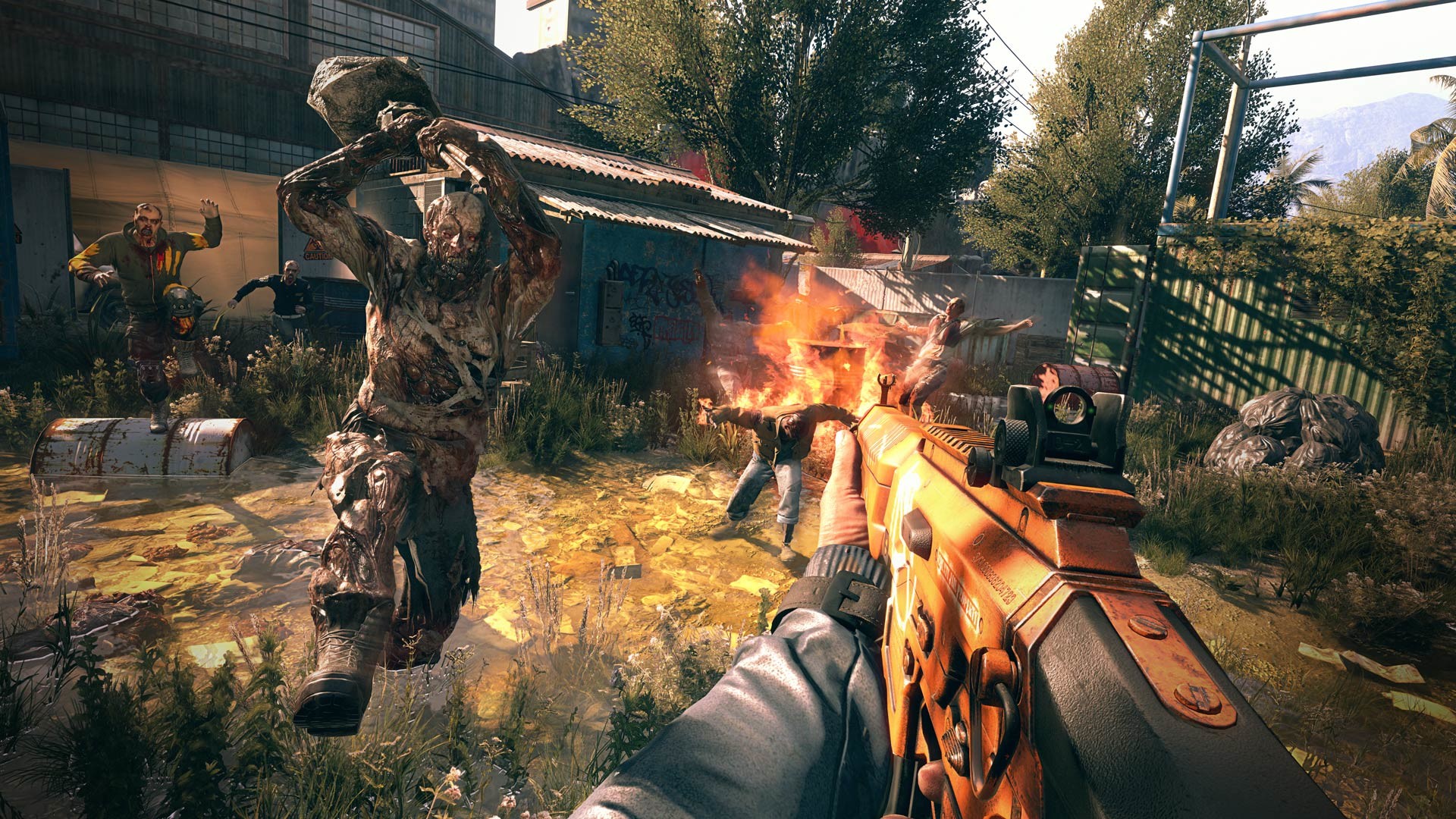

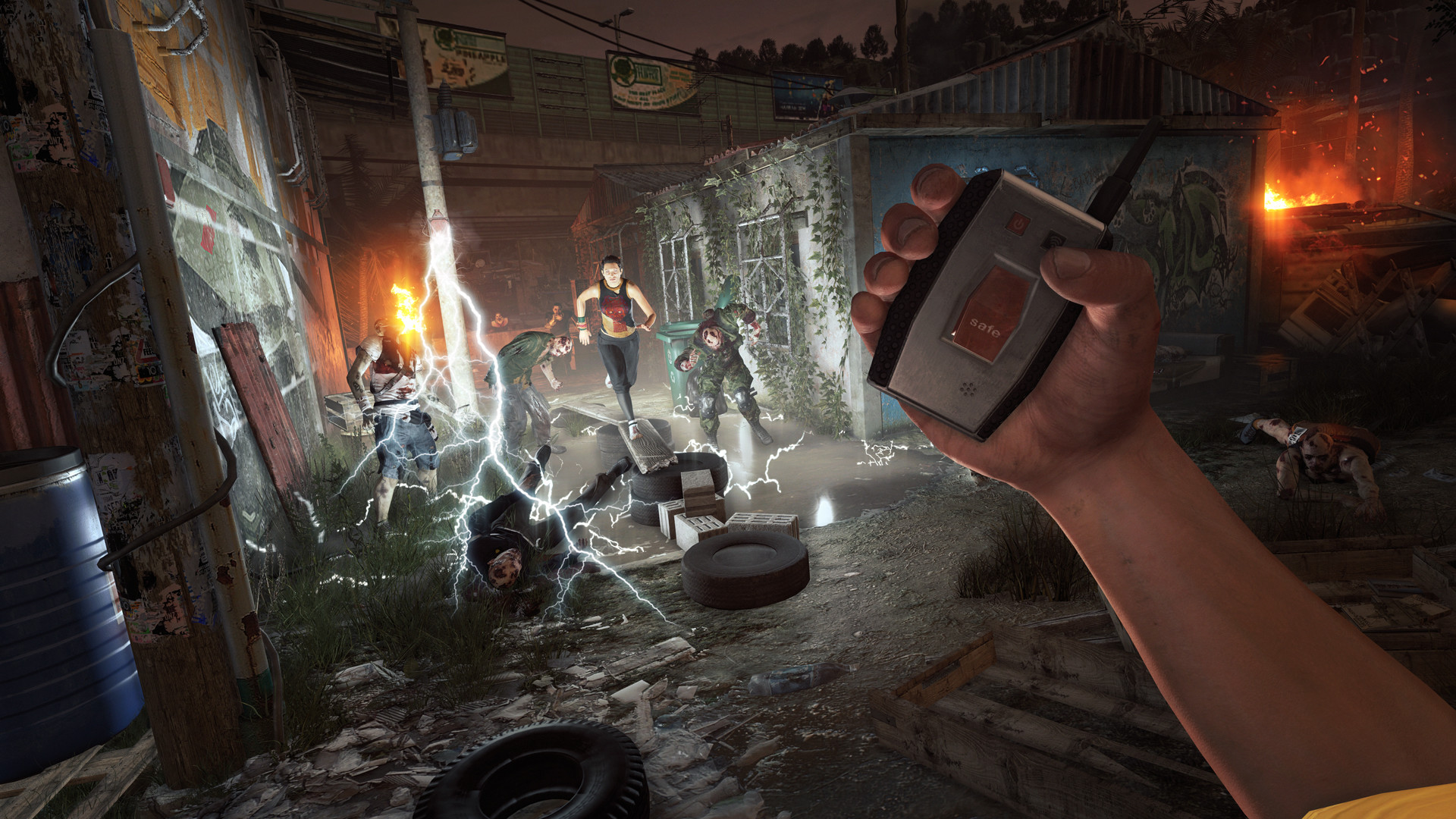

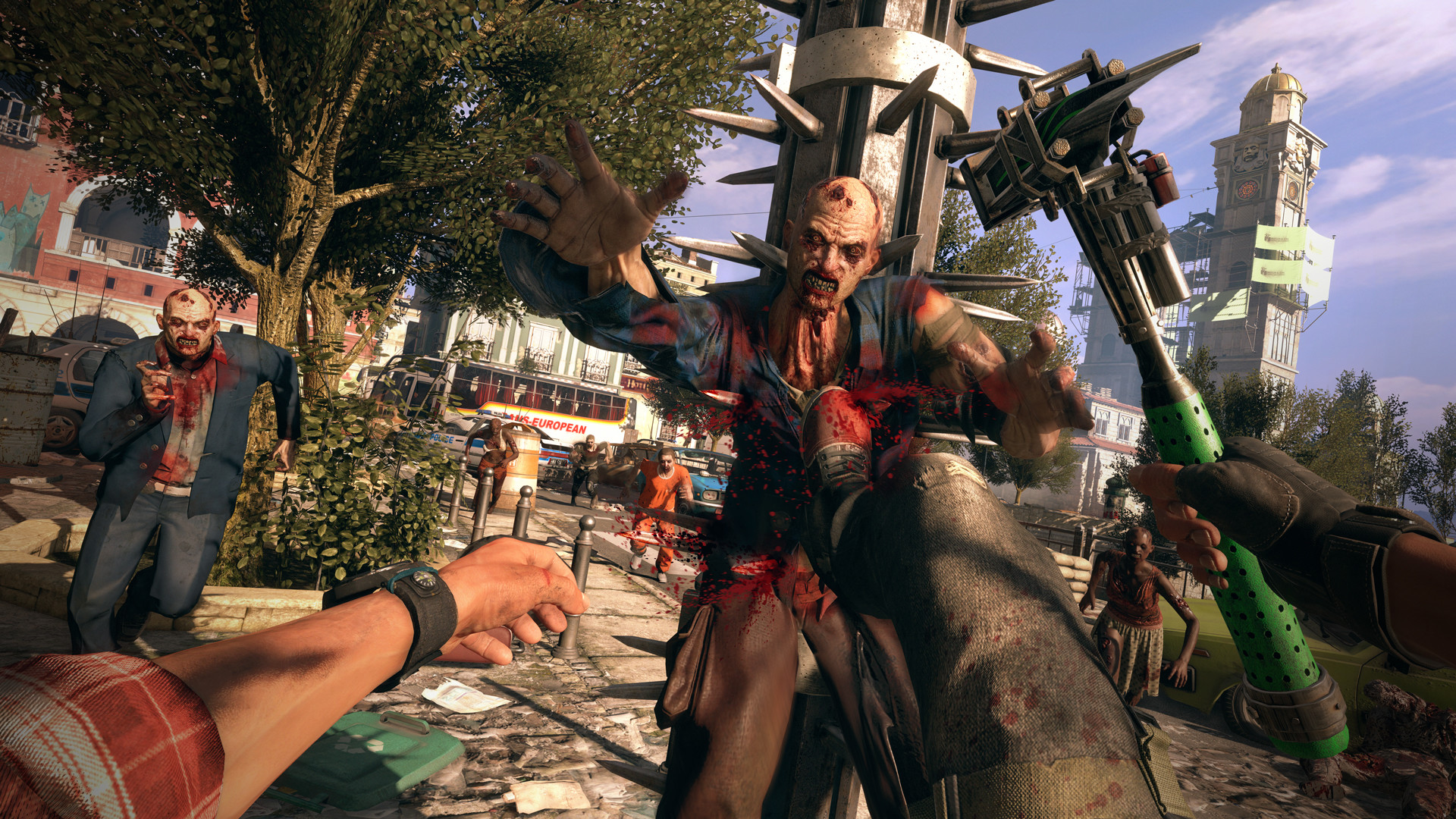

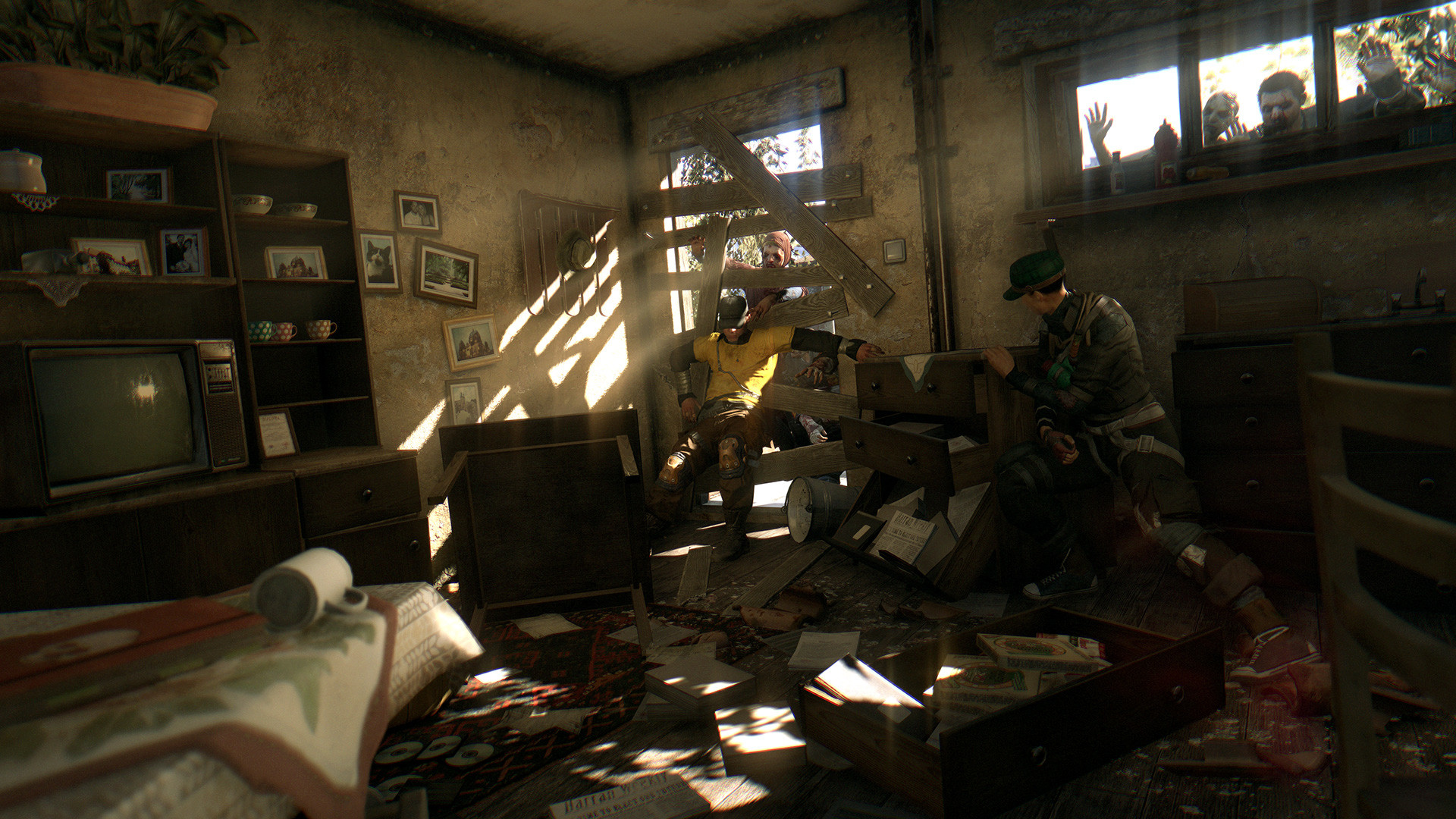
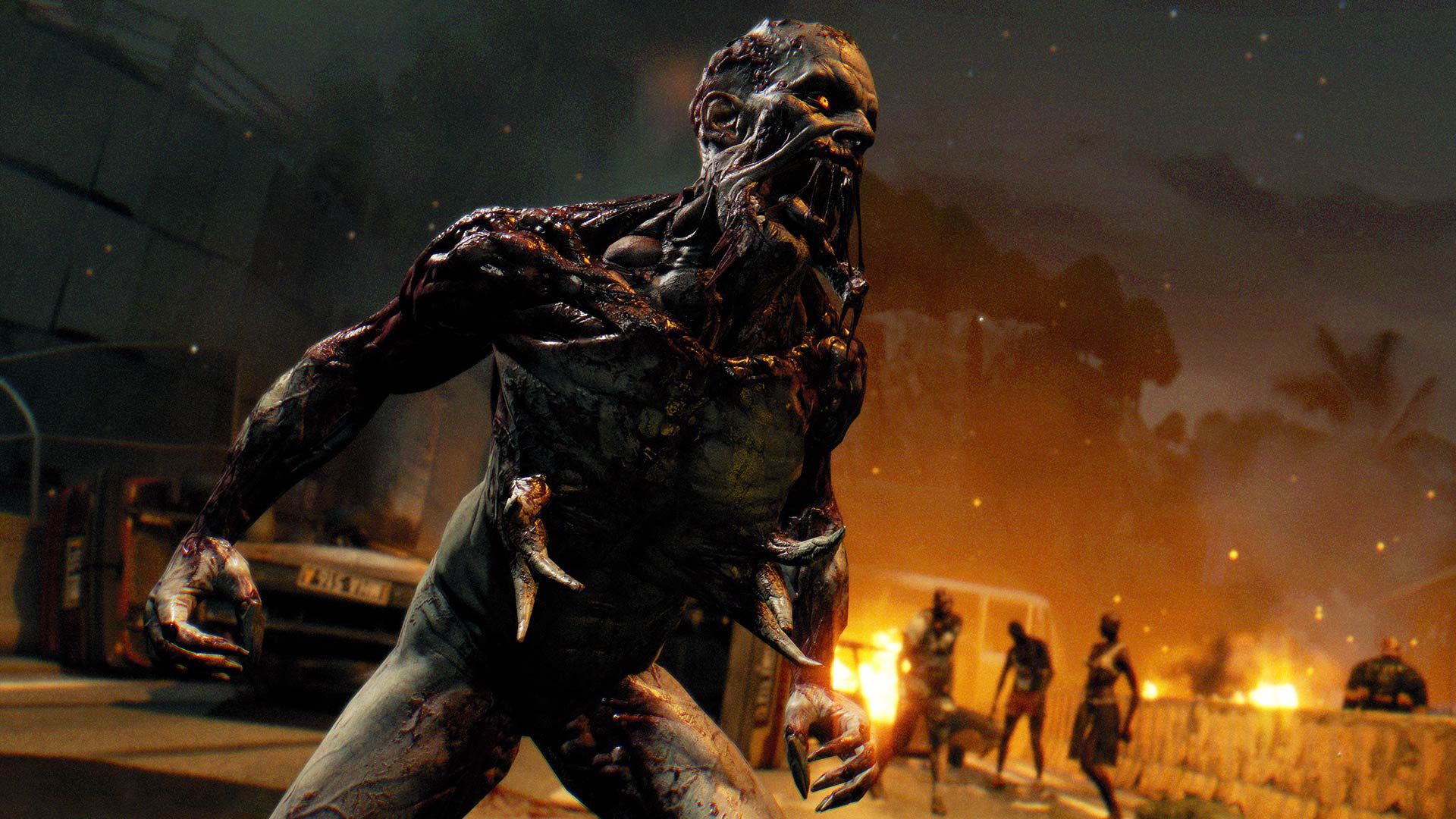
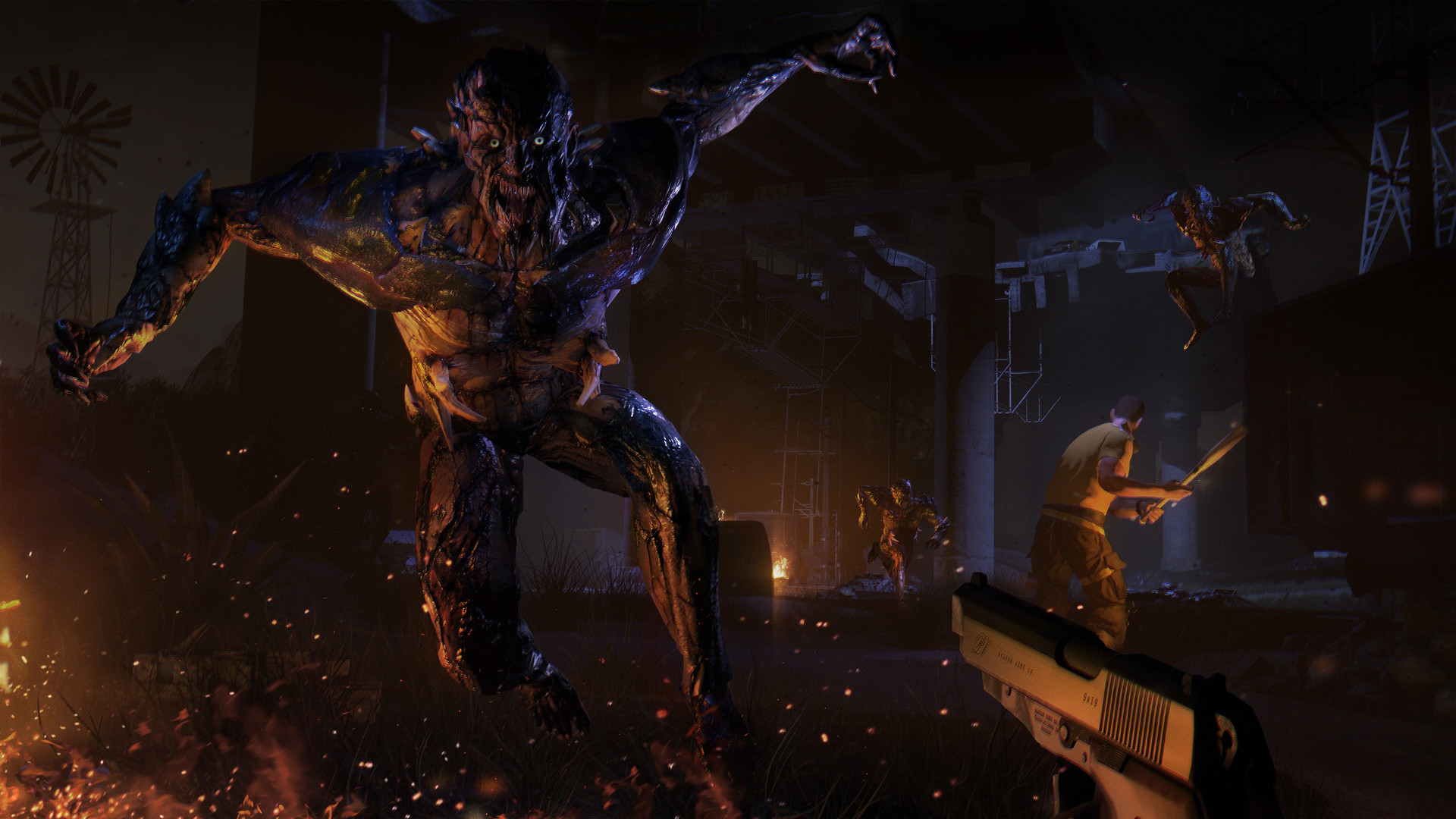








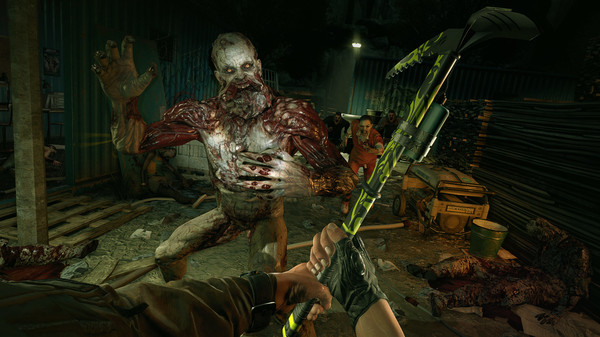

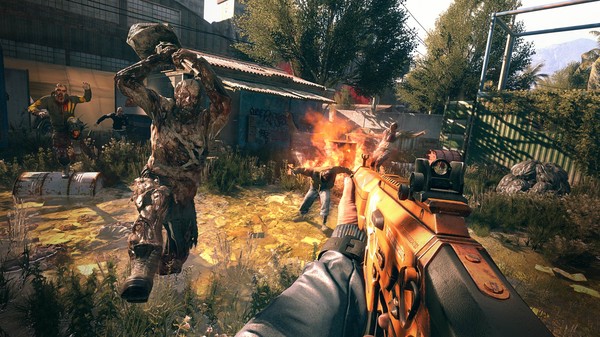



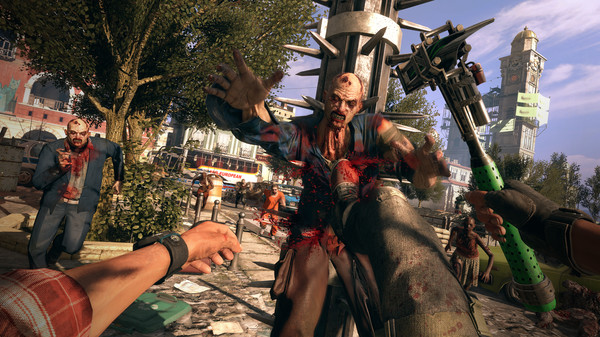


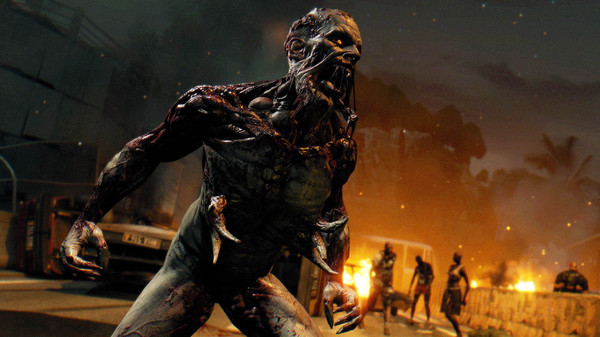



消逝的光芒:困兽/Dying Light: The Beast/支持网络联机
12
以丧尸横行的末世为背景的开放世界第一人称动作生存游戏。在一个被神秘病毒摧残过后的城市里漫游。收集物资,制作武器并迎战成群的感染者。
资源介绍
配置需求
最低配置
MINIMUM:
- OS *: Windows® 7 64-bit / Windows® 8 64-bit / Windows® 8.1 64-bit
- Processor: Intel® Core™ i5-2500 @3.3 GHz / AMD FX-8320 @3.5 GHz
- Memory: 4 GB RAM DDR3
- Hard Drive: 40 GB free space
- Graphics: NVIDIA® GeForce® GTX 560 / AMD Radeon™ HD 6870 (1GB VRAM)
- DirectX®: Version 11
- Sound: DirectX® compatible
- Additional Notes: Laptop versions of graphics cards may work but are NOT officially supported.
Windows-compatible keyboard, mouse, optional controller (Xbox 360 Controller for Windows recommended)
推荐配置
RECOMMENDED:
- OS *: Windows® 7 64-bit / Windows® 8 64-bit / Windows® 8.1 64-bit
- Processor: Intel® Core™ i5-4670K @3.4 GHz / AMD FX-8350 @4.0 GHz
- Memory: 8 GB RAM DDR3
- Hard Drive: 40 GB free space
- Graphics: NVIDIA® GeForce® GTX 780 / AMD Radeon™ R9 290 (2GB VRAM)
- DirectX®: Version 11
- Sound: DirectX® compatible
- Additional Notes: Laptop versions of graphics cards may work but are NOT officially supported.
Windows-compatible keyboard, mouse, optional controller (Xbox 360 Controller for Windows recommended)
最热排行榜
TOP 10- 1 死亡搁浅2:冥滩之上/DEATH STRANDING 2: ON THE BEACH
- 2 生化危机9:安魂曲/Resident Evil Requiem
- 3 生化危机9:安魂曲-虚拟机版/Resident Evil Requiem HYPERVISOR
- 4 开罗游戏大合集(62款)
- 5 侠盗猎车手5增强版/GTA5增强版/Grand Theft Auto V Enhanced
- 6 开罗游戏合集|蓝奏云不限速
- 7 暗黑破坏神2:狱火重生-终极版(Diablo II Resurrected Infernal Edition)免安装中文版下载
- 8 剑星-虚拟机版/Stellar Blade HYPERVISOR
- 9 刮个爽/Scritchy Scratchy
- 10 杀戮尖塔2/Slay the Spire 2


暂无评论,来发表第一条评论吧。